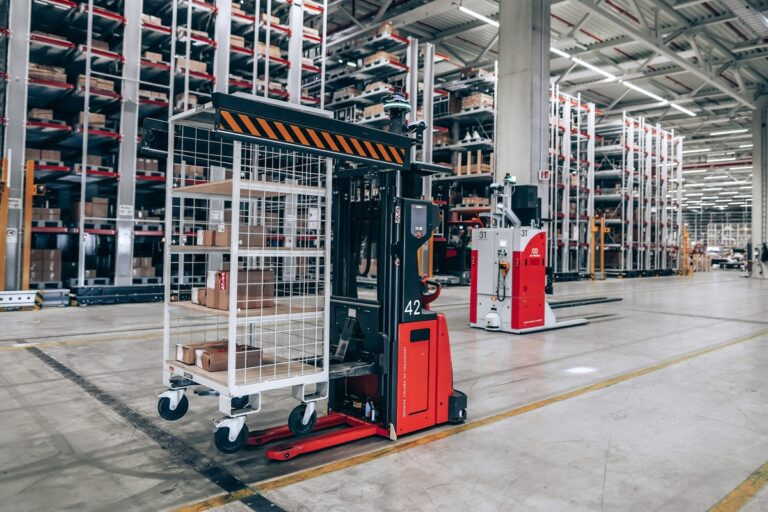
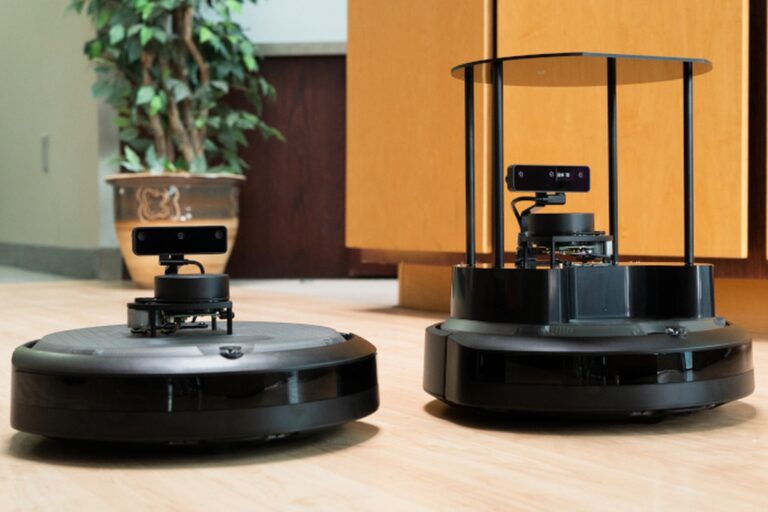
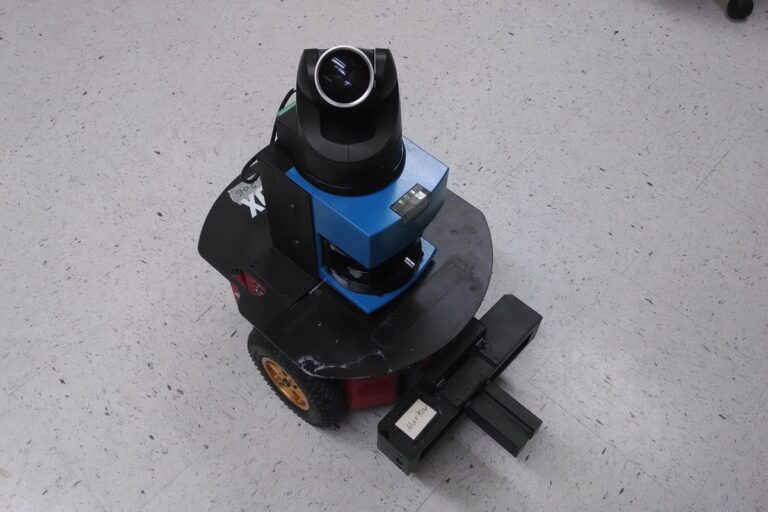
ROS 2 connects modular robot software, while complete applications still need tested logic, hardware integration and operational support. Photo: Open Robotics
Learn how ROS 2 connects robot software through nodes, topics, services and actions, with practical guidance on frames, debugging, simulation and production readiness.
ROS 2 is an open-source software framework for building robot applications. It helps developers connect components such as sensors, perception, planning and hardware interfaces through defined communications. It supplies useful infrastructure, while the developer remains responsible for making the complete robot behave correctly.
Despite the name Robot Operating System, ROS 2 is not a replacement for the computer’s underlying operating system. It also does not provide a finished autonomous robot simply by being installed. This guide explains the main concepts through a small delivery-robot example and shows what changes when a prototype becomes a maintained system.
Key Takeaways
ROS 2 provides infrastructure for organizing robot software and communications, while developers remain responsible for the application logic, hardware interfaces and complete system behavior.
Topics, services and actions support different interaction patterns, and correct message delivery still depends on compatible interfaces, meaningful units, timestamps and communication policies.
A production robot needs controlled versions, explicit mission state, diagnostics, security and recovery procedures beyond a working ROS 2 demonstration or simulation.
Where ROS 2 Fits in a Robot
A physical robot may contain motor controllers, sensors, embedded processors and one or more application computers. Some components run their own firmware. ROS 2 can connect software functions on the application side and communicate with hardware through suitable drivers and interfaces.
The project’s design rationale describes motivations including distributed systems, different computing platforms and real-time use cases with appropriate operating-system and hardware support. Those goals do not guarantee the timing or safety of an arbitrary application.
Think of ROS 2 as infrastructure for assembling robot software. Your application still needs a task definition, appropriate algorithms, configuration, testing and a way to handle missing or contradictory information.
Our robot definition provides the physical context. ROS 2 helps organize parts of the software connecting perception, decisions and action; it does not eliminate the boundaries between them.
Nodes: Give Each Component a Clear Job
A node is a participant in the ROS 2 computational graph. The official node documentation describes nodes communicating within a process, across processes or on different machines. A node can publish data, receive it or offer other interfaces.
In an illustrative delivery robot, one component reads a distance sensor, another estimates position, a planner chooses a route and a hardware interface sends appropriate commands to the base. A mission component tracks whether a delivery is pending, active, completed or failed.
These boundaries should reflect responsibilities. If a camera driver also decides which customer order to deliver and directly controls wheel motion, the component becomes difficult to test or replace. Clear interfaces make it easier to isolate faults.
A node is not necessarily one computer or one executable. Treat it as a logical software component, then decide how components should be deployed based on performance, reliability and maintainability.
Topics: Publish Streams of Information
A topic is a named channel for publish-and-subscribe communication. One component publishes messages, and interested components subscribe. ROS 2’s topic documentation identifies continuous streams such as sensor readings and robot state as typical uses.
For the example robot, a sensor component might publish measurements on an illustrative topic named /range. A monitoring component could subscribe to the same stream as a perception component. Adding a subscriber need not require rewriting the sensor’s business logic.
Messages have defined types. The name alone is insufficient: sender and receiver must agree on the structure and meaning of the data. Units, timestamps and coordinate frames also need to be correct.
For example, a numeric distance of 100 means something very different in meters and millimeters. A valid message can still carry a semantically wrong value. Document the interface and check plausible ranges at the application boundary.
Services and Actions: Requests With Different Lifetimes
Services support request-and-response interactions. The official service documentation distinguishes them from continuous streams. A short request to obtain a configuration value is a different interaction from a camera publishing frames repeatedly.
Actions represent longer-running goals with feedback and a result, and support cancellation. The ROS 2 action design explains that pattern. Traveling to a delivery station is a useful example: the caller needs progress and a final outcome, and may need to request cancellation before arrival.
Interface
Useful pattern
Illustrative example
Topic
Repeated data stream
Publish sensor measurements
Service
Short request and response
Read a device setting
Action
Goal, feedback and outcome
Navigate to a station
Application semantics remain your responsibility. A navigation result saying “arrived” does not necessarily mean the parcel was handed over. Define the separate confirmation that completes the delivery.
Cancellation also needs a clear meaning. The mission layer should not assume that requesting cancellation instantly stops every physical process. Coordinate the outcome with the controller and the robot’s protective systems.
Quality of Service Affects Communication
Quality of Service, or QoS, configures aspects of communication behavior. ROS 2’s QoS documentation covers policies including reliability, history and durability, as well as compatibility between endpoints.
The appropriate behavior depends on the data. A frequently updated sensor stream and a piece of configuration information may have different needs. Retaining old samples can be useful for one case and undesirable for another.
If a publisher and subscriber do not communicate, check their policy compatibility as well as topic names and message types. A component can be running without receiving the information it needs.
Do not treat a “reliable” policy as an application-level promise that every decision is timely or correct. Network conditions, processing load and the age of the information still matter. The application should detect when required data is no longer usable.
Time and Coordinate Frames
Robots combine observations from different places and times. A camera sees an object relative to its own mounting, while a planner may reason relative to a map. The robot’s base moves between those observations.
The tf2 system tracks relationships between coordinate frames over time. It allows components to transform information from one frame into another when the required relationship is available.
For the delivery robot, a detected station position must be interpreted in the correct frame and at the relevant time. Applying an old observation as if it described the current robot pose can produce a wrong target even when each individual component appears to work.
Keep clock behavior explicit, particularly in simulation and recorded-data tests. A system using simulated time should not quietly mix it with wall-clock assumptions. Inspect timestamps and transforms when motion looks spatially plausible but consistently offset or delayed.
Walk Through a Complete Mission
Suppose an operator requests delivery of tote A to station B. The mission component first confirms that the request is valid and the robot is available. It records an identifier so retries and reconnects can be associated with the same job.
Next, the application checks the load state and requests navigation. During travel, relevant components publish robot state and sensor observations. The mission component receives progress and waits for an outcome rather than repeatedly create new goals.
At the destination, a separate handoff step confirms that the load was received. Only then does the business task become complete. If navigation succeeds but the destination is occupied, the mission remains unfinished and follows a defined waiting or recovery procedure.
Now introduce a failure: the mission process restarts midway. Where is the authoritative job state stored? Can the robot distinguish a new request from a repeated one? Which component is permitted to resume movement? These questions belong to application design, not to the topic system alone.
A written state sequence is valuable before code is complex. It gives developers, operators and testers the same definition of success.
Simulation, Visualization and Recorded Data
A simulator can provide virtual sensors and robot motion for development. A visualization tool shows data such as a map, robot model or sensor observations. A recording tool captures message traffic for later inspection. These tools serve related but distinct purposes.
ROS 2’s RViz guide describes visualization using coordinate-frame information. A convincing display can help identify problems, but it does not establish that the simulated physics or real controller is correct.
Use simulation to test the mission logic and deliberately create conditions that are inconvenient to reproduce physically: an occupied station, a missing reading or an unavailable route. Record which assumptions the simulator makes about sensors, friction and communication.
Recorded inputs can help reproduce a perception problem, but replaying a recording is not always equivalent to a closed-loop robot run. New commands cannot change sensor data that was captured in the past. Match the test method to the question being asked.
A Small, Useful Debugging Routine
Start with observation. Determine whether the expected components exist, whether their interfaces match and whether data is fresh. The following commands inspect a running ROS 2 environment; they are not a complete diagnosis or an installation procedure.
ros2 node list
ros2 topic list
ros2 service list
ros2 action list
Use the results to form a specific question. If the sensor node exists but the expected topic does not, inspect the driver’s configuration. If the topic exists but the consumer receives nothing, examine types, QoS and the network setup. If data arrives but the robot acts incorrectly, inspect units, timestamps and the application state.
Change one hypothesis at a time and preserve the relevant logs. Restarting everything may temporarily hide a problem while destroying the evidence needed to understand it.
Keep hardware motion controlled during investigation. Graph inspection is useful precisely because many communication questions can be examined before commanding a physical robot.
Security and Production Responsibility
The official security documentation describes ROS 2 communications security using supported middleware features and configuration. Installing ROS 2 is not the same as deploying a secured application.
Define which machines and people may access the robot, how credentials are managed, which network paths are required and how updates are approved. Protect logs and recorded sensor data according to what they contain.
Keep functional safety separate from ordinary application messaging. A ROS 2 node recognizing a hazard does not, by itself, make the complete protective function validated. Timing guarantees and safety requirements need system-level engineering.
Production support also requires controlled versions, recoverable configuration, startup behavior, diagnostics and ownership of dependencies. Decide how a failed update is detected and how the previous working system is restored.
A Practical Learning Path
Begin with a supported environment described by the official project documentation and compatible with your hardware. Avoid mixing instructions for different distributions or assuming every package supports the same platform.
First learn to inspect two communicating components. Then add a short request-and-response operation, followed by an action with a visible outcome. Introduce coordinate frames and recorded data before attempting a full autonomous mission.
Build the smallest application that can explain its own state and failures. Our autonomous robots guide describes the wider sensing and decision problem. ROS 2 provides a way to organize that work, while our automation guide covers the steps needed to turn it into a dependable process.
The mobile robots guide applies these software questions to transport missions, station handoffs and fleet recovery.
Frequently Asked Questions
Is ROS 2 an operating system? It is a robotics software framework used with an underlying operating system. It provides communications and development infrastructure rather than replacing the computer’s complete operating system.
Does ROS 2 make a robot autonomous? No. Autonomy requires suitable sensing, estimation, planning, control and application logic. ROS 2 can help connect those components.
What is the difference between a topic and a service? A topic supports publish-and-subscribe data streams. A service supports a request and response. Choose according to how the information or operation behaves.
When should a ROS 2 action be used? An action is useful for a longer-running goal that needs feedback, a final outcome and cancellation support. Navigation is a common example.
Can ROS 2 run on more than one computer? Yes. Components can be distributed, but network configuration, communication policies, time and failure behavior still need to be designed and tested.
Is a working simulation enough for deployment? No. Simulation supports development under modeled assumptions. The real hardware, sensing, timing, safety and operating process require their own verification and validation.
Tesla confirms production-quality Optimus robots are leaving Fremont’s high-volume lines, but Musk says a 20,000-per-week pace remains at least a year away.